Resetting Two-Factor Authentication (2FA)
Locked out of your Authenticator App? No problem—we’ve got you covered. Resetting Two-Factor Authentication (2FA) is straightforward. Here’s how:
1. Log in with your account credentials.
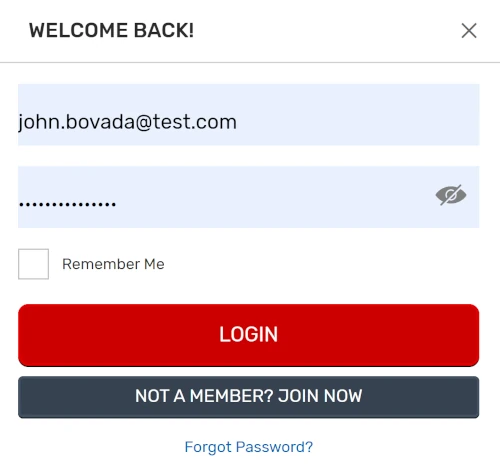
2. Click ‘Reset 2FA’ on the login page.
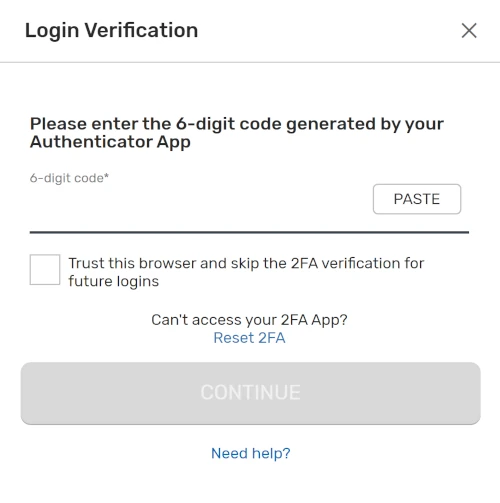
3. Check your registered email for a temporary code.
4. Enter the code, select ‘Reset,’ and 2FA will be disabled.
5. To re-enable 2FA, go to ‘Security Settings’ > ‘Two-Factor Authentication.’ Use a new authenticator app to scan the QR code or enter the setup key manually.
6. Finalize the setup by entering the new 6-digit code. From now on, you’ll need a fresh code each time you log in.
That’s it—your account is secure, and you’re back in control. If you need any help, we’re here for you.
RELATED TOPICS:
Did you find what you were looking for?